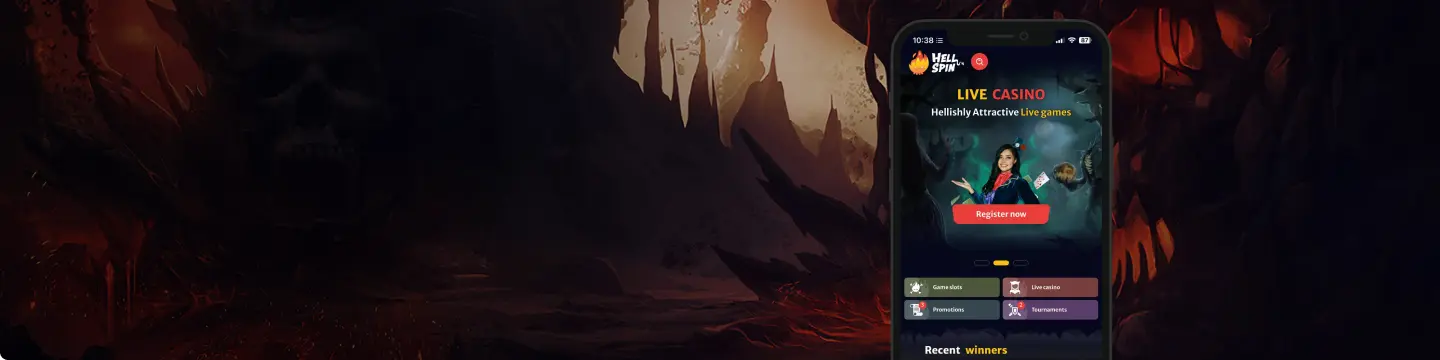
HellSpin has a mobile-first casino setup that works smoothly for players who prefer to play on smartphones or tablets. The platform offers Android and iOS access, plus a mobile website version for players who do not want to install anything.
The mobile experience is also linked to a small app reward. Players who install the app and log in may receive 10 Free Spins, with the reward usually becoming available within one hour after login. This bonus is available once per player and must be used within the stated bonus period.
The HellSpin casino app keeps the same bold look as the desktop site, with dark backgrounds, yellow highlights, flame-style branding, and clear navigation. The menu gives quick access to games, live dealers, promotions, tournaments, VIP, support, and the application section.
Mobile App for Android: APK and PWA Access in One Place
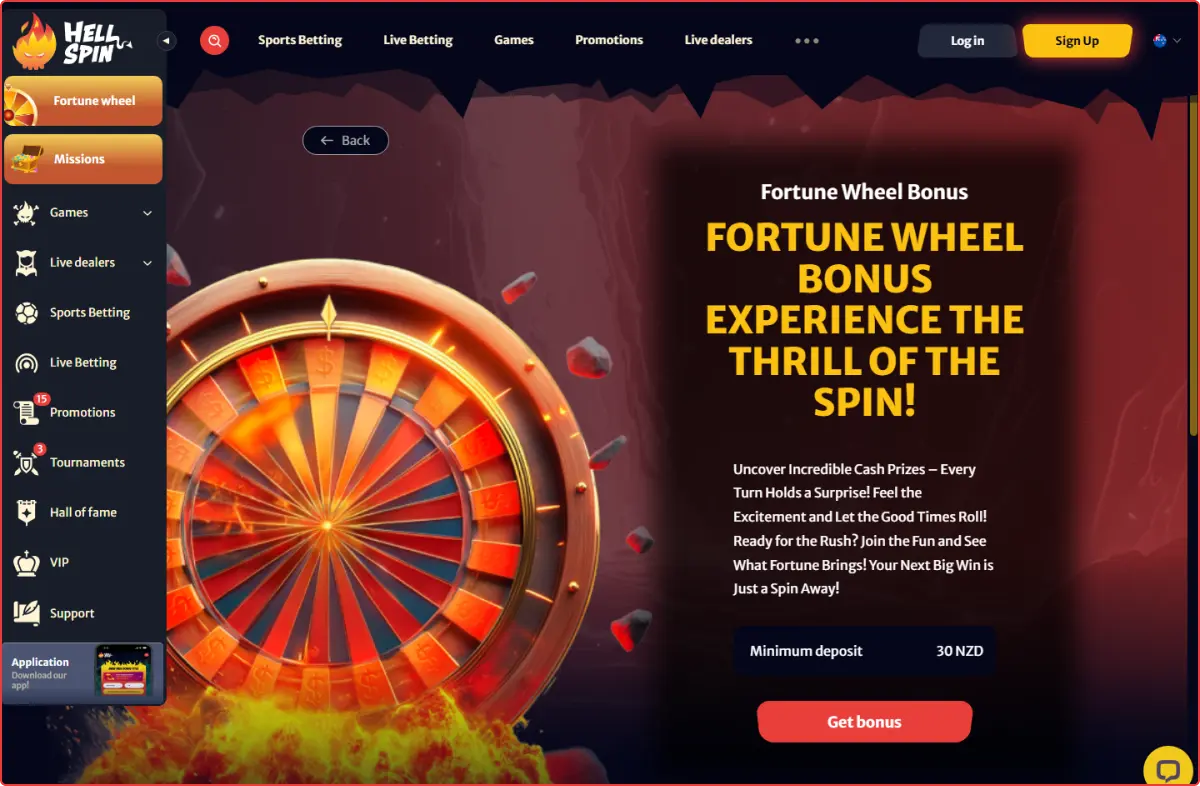
Android players get two practical options at HellSpin NZ. They can install the HellSpin APK from the casino’s app page or use the browser-based PWA for lighter access. Both options are designed to make the casino open faster on a phone.
The HellSpin app download process is designed to be short. Once the icon is added to your device, you can open the casino directly, log in, and continue playing without searching for the website each time.
How to Download and Install?
To get started on Android:
- Open HellSpin in your Android browser.
- Go to the side menu.
- Tap Application.
- Follow the install prompt shown on the page.
- Log in after installation.
Players who want to download HellSpin app should use the official mobile page rather than third-party files.
Compatible Devices
The Android version is suitable for most modern Android phones and tablets. Android compatibility usually works best with models from:
- Samsung
- Google Pixel
- Vivo
- Huawei
- Oppo
Players looking to download HellSpin APK should use the official Application page and avoid unknown download sources.
Mobile App for iOS: Smooth Play Without a Heavy Install
iOS players can access HellSpin NZ via a mobile web app. Instead of a heavy download, you can open the casino in your browser and add it to your home screen for faster access. This gives iPhone and iPad users a clean way to play without needing extra steps.
How to Download and Install?
The iOS setup is based on a browser shortcut. It works like a PWA, giving you a home screen icon that opens the casino in a mobile-friendly layout. To set it up:
- Open HellSpin in your iPhone or iPad browser.
- Open the browser’s share or menu option.
- Add the site to your home screen.
- Use the new icon to open the casino faster.
The process is ideal for players who want to download HellSpin access in the lightest possible way. You get fast access from your home screen, while the main casino features remain available through the browser-based app.
Compatible Devices
The iOS version works best on updated iPhones and iPads. iOS compatibility usually includes:
- Recent iPhone models
- iPad devices
- Updated browser versions
- Wi-Fi or reliable mobile data
Features of the App: Full Casino Access in Your Pocket
The HellSpin application is designed to keep the main casino tools easily accessible on a phone. Players can move between games, promotions, payments, and support without dealing with a crowded layout. Key app features include:
- Casino games: Access 7,000+ slots, live dealer games, table games, and new releases.
- Promotions: View welcome offers, reload bonuses, Fortune Wheel deals, and free spin campaigns.
- App bonus: Install and log in to claim 10 Free Spins, where eligible.
- Live dealers: Join roulette, blackjack, baccarat, game shows, and poker-style live games.
- Payments: Deposit and manage withdrawals from the cashier section.
- VIP access: Check loyalty rewards, missions, tournaments, and Hall of Fame sections.
- Support: Open live chat or find contact details from the support area.
- Fast navigation: Use the side menu to jump between major casino sections.
Registration Process via the App: Join in a Few Steps
New players can create an account in the HellSpin app or on the mobile site in just a few steps. The registration form is split into sections, making it easier to complete on a small screen.
The first step asks for your email and password. You may also see an option to receive promotional updates by email or SMS. After that, the account information page lets you confirm details such as country, currency, phone code, phone number, and promo code if you have one.
For New Zealand players, the form can show:
- Country: New Zealand
- Currency: NZ$
- Phone code: +64
- Promo code field, if available
After completing registration, you may need to confirm your account before depositing or claiming some offers. HellSpin may also request verification documents later, especially before withdrawals. Make sure your account details match your ID and payment method to avoid delays.
Mobile Website Version: No Install, Same Casino Feel
The mobile website is the easiest option for players who do not want to install anything. You can open HellSpin New Zealand through your browser, log in, and use the casino directly. The layout adjusts to your screen, so games, menus, promotions, and support remain easy to access.
The mobile site works well for casual players because it does not take up extra storage. It is also useful if you switch between devices or want to test the casino before setting up the app version.
The browser version gives access to:
- Account registration and login
- Casino games
- Live dealer tables
- Promotions and bonus cards
- Deposits and withdrawals
- VIP and tournaments
- Customer support
- Responsible gaming pages
For many players, the mobile website is enough. However, adding the casino to your home screen can make access faster and more app-like.
Mobile Games: Slots, Live Tables, and More
HellSpin has a strong mobile game lobby with 7,000+ slots, live dealer tables, game shows, and new releases. The design makes it easy to browse by category or provider, and many game cards show useful details such as RTP and active player numbers.
Slot players can find classic reels, modern video slots, Hold and Win titles, bonus-buy style games where available, free spin features, and multiplier rounds. Popular examples include:
- Gates of Olympus Super Scatter
- Sweet Rush Bonanza
- Coin Bandit: Hold and Win
- Burning Chilli X
Live casino players also get a strong mobile selection. The live section includes categories for roulette, blackjack, baccarat, poker, game shows, and recommended tables. Games such as European Roulette, Mega Ball, Speed Baccarat, and Fortune Roulette may appear in the live lobby, depending on availability.
The game library is backed by a wide range of providers, including Pragmatic Play, Play’n GO, BGaming, Hacksaw, Redgenn, Spinomenal, Booming Games, and more. This variety helps mobile players find different themes, mechanics, volatility levels, and live formats.
Questions And Answers
Yes. iPhone users can open HellSpin NZ in their browser and add it to the home screen for faster access.
No. You can use the HellSpin mobile website without installing anything. The mobile site gives access to games, promotions, payments, and support.
Players should use only the official HellSpin website or the Application section for mobile access. Avoid unknown files or unofficial download links.

 nz
nz